概述
SoundTouch Visual Studio环境搭建
简介
SoundTouch是一个开源音频处理库,允许改变声音节奏,音调和回放速度参数相互独立,即:
声音节奏可以增加或减少,同时保持原来的音调
声音音调可以增加或减少的同时保持原有的节奏
在相同节奏和音高改变速度变化
选择任意组合的节奏/音高/速度
详情可以查看 SoundTouch WWW page: https://www.surina.net/soundtouch
可执行文件下载的地址 https://www.surina.net/soundtouch/download.html
源码目录下载地址 https://www.surina.net/soundtouch/sourcecode.html
最新版源码下载地址 https://www.surina.net/soundtouch/soundtouch-2.0.0.zip
Visual Studio环境搭建
将下载下来的soundtouch-2.0.0.zip 解压缩之后文件的结果
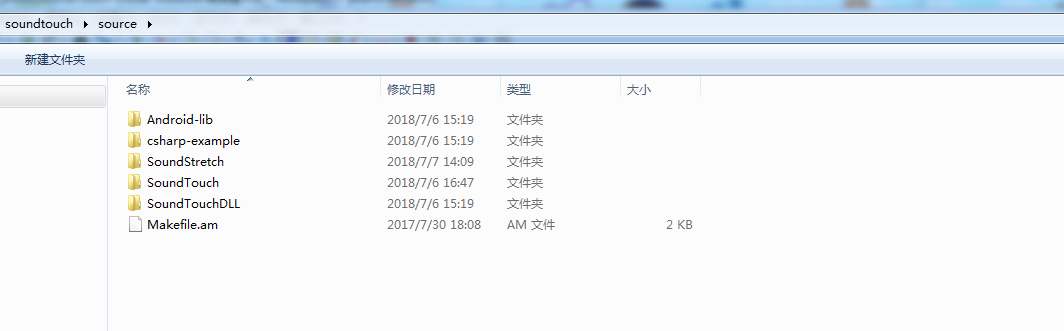
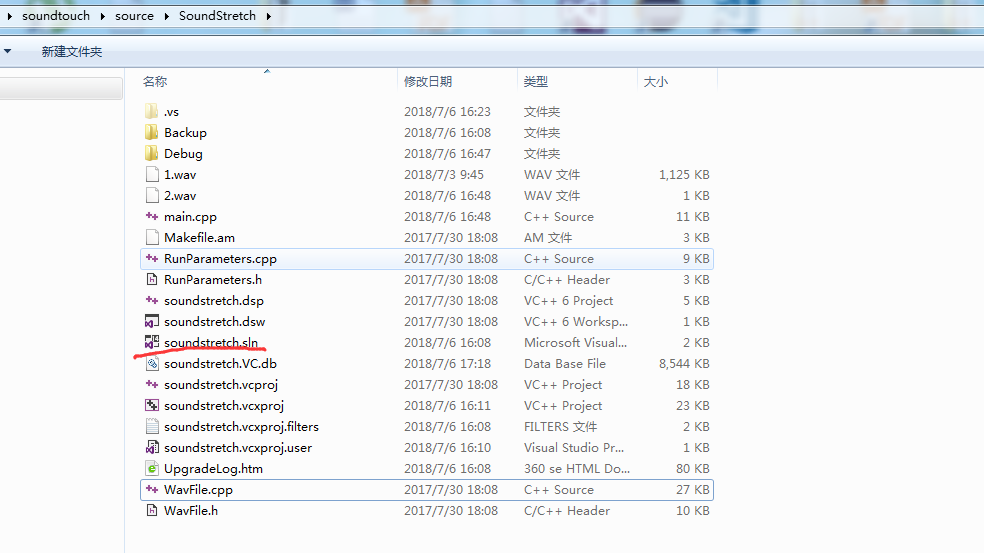
Android-lib 为SoundTouch提供给Android的demo cshrap-example,SoundStretch SoundTouchDLL 为example 目录 SoundTouch 为源码目录 这里我们进入SoundStretch目录,找到对应的Visual Studio配置文件
进入项目,点击生成调试,重新的清理解决方案,,然后点击运行项目,发现出现了这个错误
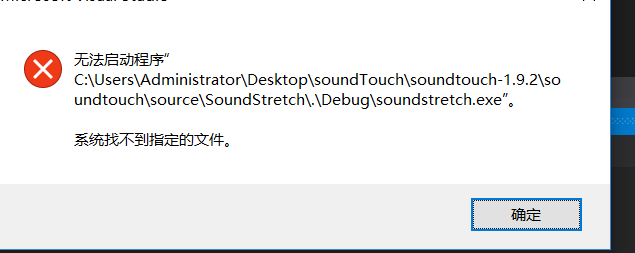
仔细查看,发现生成的这个文件信息,然后进入到指定的目录下面

发现生产的是另一个可以执行的文件
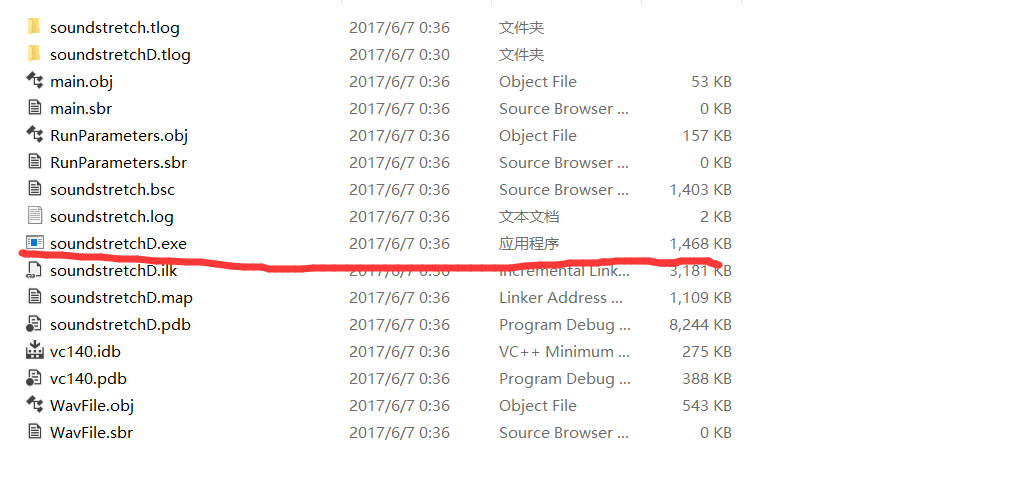
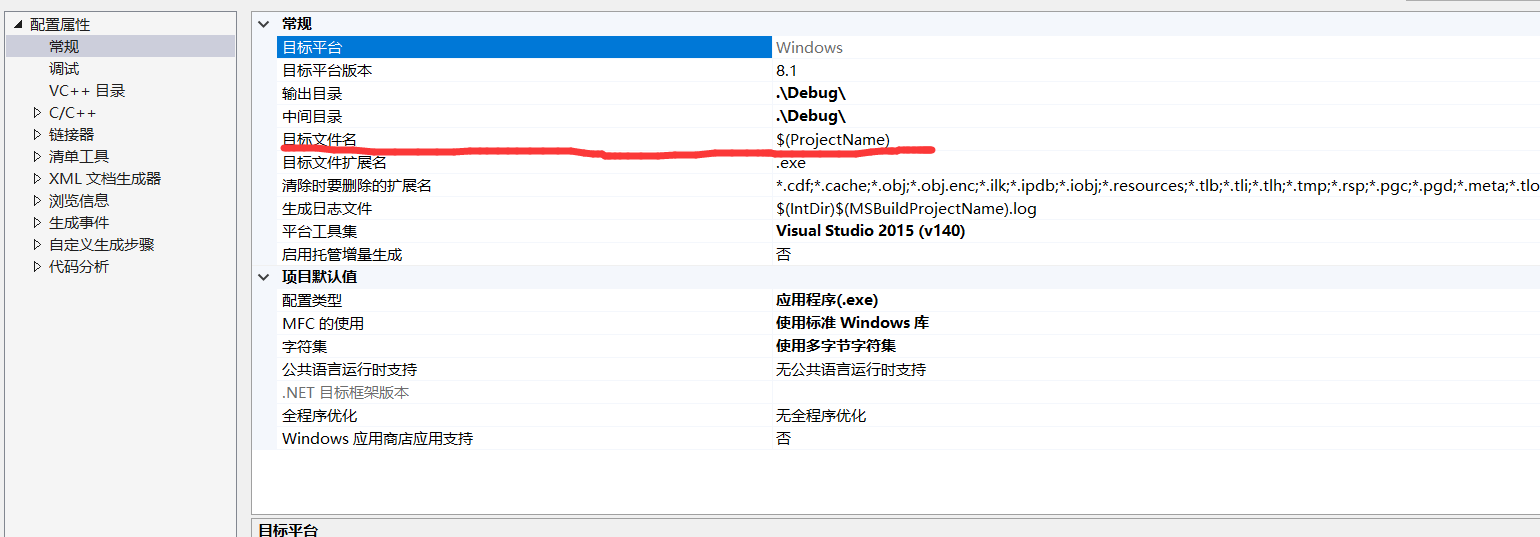
然后点击项目的右键,进入属性页面,查看常规的选项,发现目标文件名为项目的文件名,所以上面的生产soundstreatch.exe是没有错误的
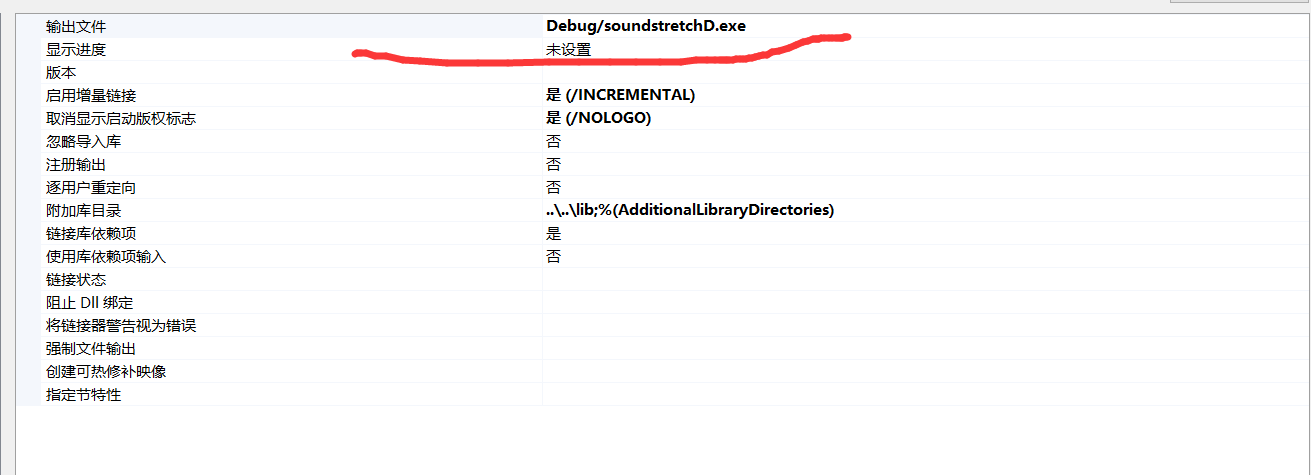
然后查看链接器这一栏目,发现这里生产的exe是soundstreatchD.exe所以会导致我们实际生产的是这个文件,但是我们要执行的是另一个可以执行的文件
解决的方案是,让这个项目重新的命名,加上一个D让这俩个文件产生的是同样的,
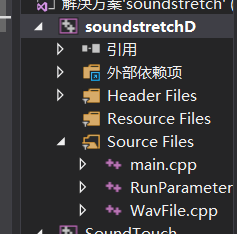
然后执行生成,重新的生成解决方案,发现生产的也是这样的exe了,最后点击运行没有什么问题了

SoundTouch 使用
首先官网是有说明怎么用的,具体可以查看官网,下面是从他官网粘贴过来的

Example 1
The following command increases tempo of the sound file "originalfile.wav" by 12.5% and stores result to file "destinationfile.wav":
soundstretch originalfile.wav destinationfile.wav -tempo=12.5

Example 2
The following command decreases the sound pitch (key) of the sound file "orig.wav" by two semitones and stores the result to file "dest.wav":
soundstretch orig.wav dest.wav -pitch=-2

Example 3
The following command processes the file "orig.wav" by decreasing the sound tempo by 25.3% and increasing the sound pitch (key) by 1.5 semitones.
Resulting .wav audio data is directed to standard output pipe:
soundstretch orig.wav stdout -tempo=-25.3 -pitch=1.5
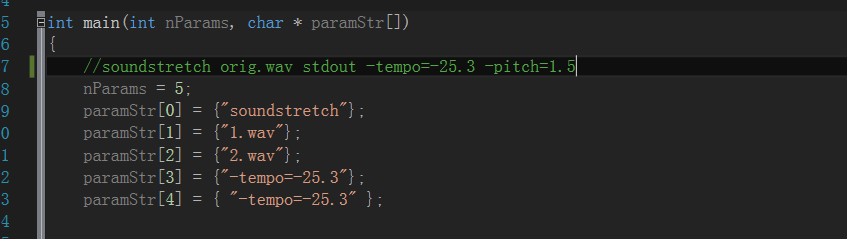
所以我们找到主函数的入口,然后向下面这种形式传递参数,既可以看到效果,注意SoundTouch处理的文件只能是wav文件,这个要注意